Understanding the Concept of Selfie Mosaic
What is a Selfie Mosaic?
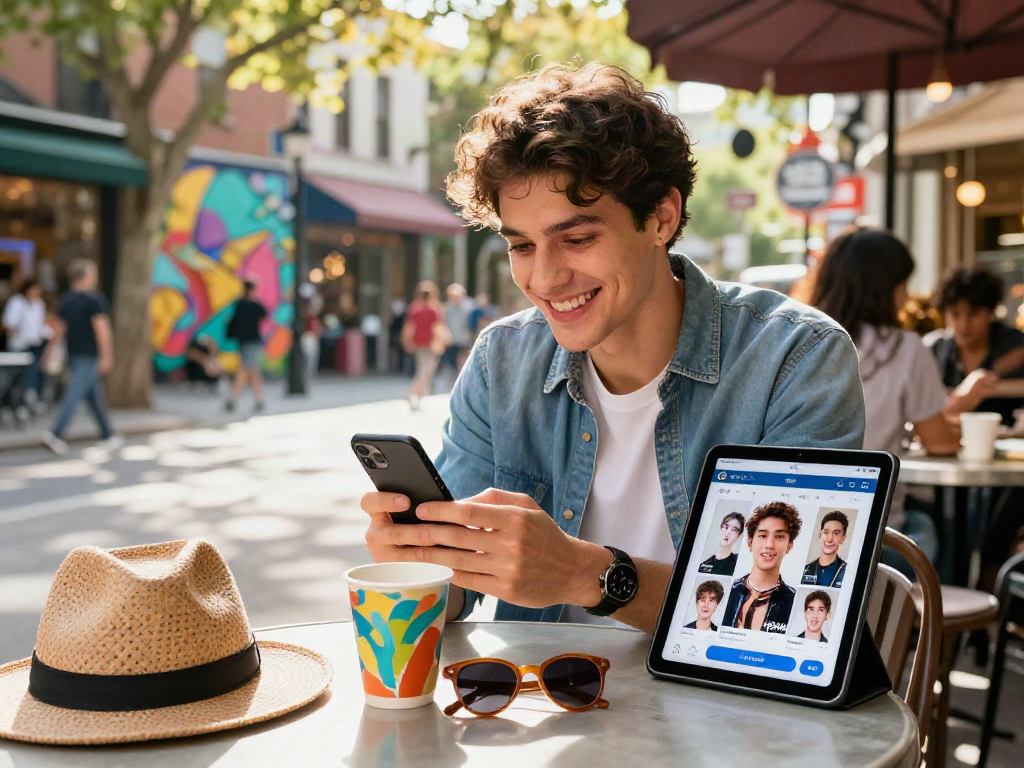
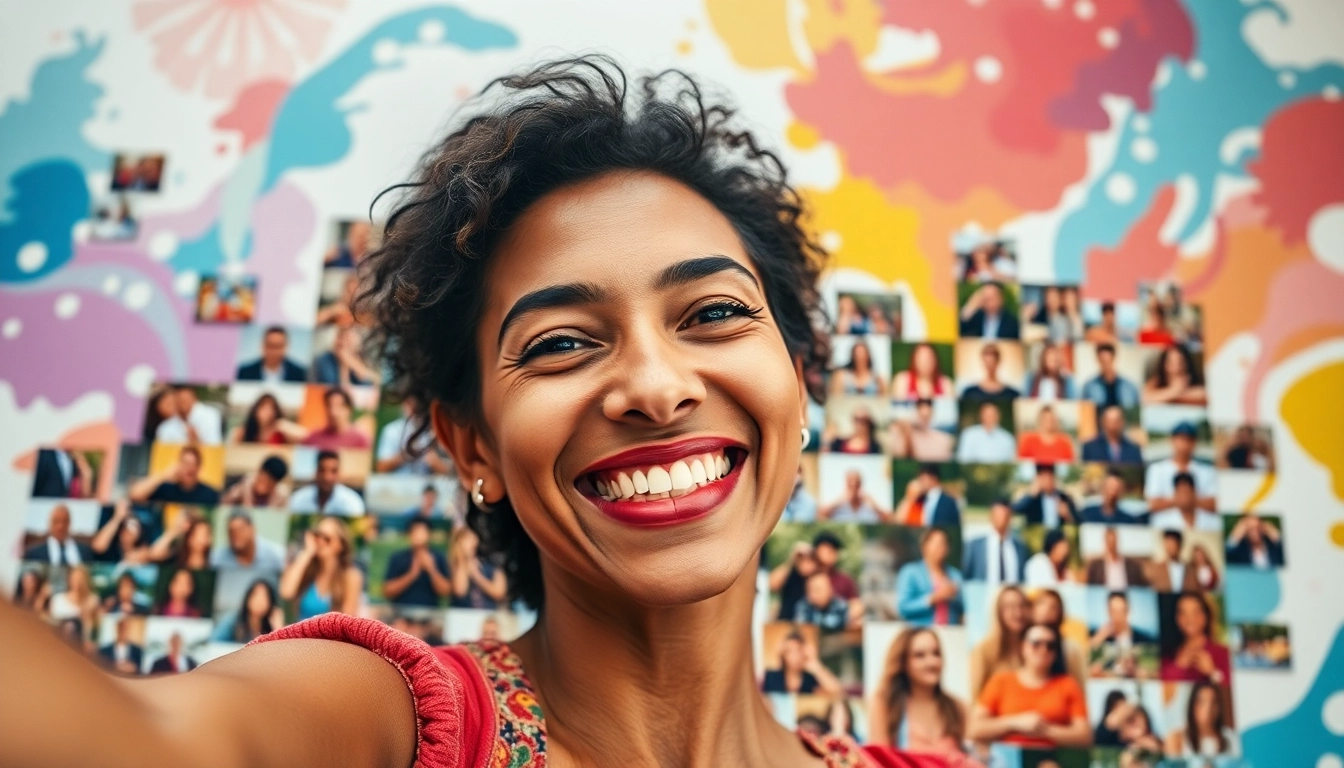
A selfie mosaic is an artistic representation formed by combining multiple individual selfies into a larger cohesive image. The process relies on a digital software that takes small images and arranges them in a way that they contribute to a bigger picture when viewed from a distance. The beauty of a selfie mosaic lies in its ability to reflect personal stories, memories, and emotions through a seemingly simple arrangement of photos. This innovative art form has gained popularity as social media continues to celebrate personal expression and community engagement.
Importance of Selfie Mosaics in Art
Selfie mosaics hold significant artistic value as they merge the essence of traditional mosaic art with modern technology. Unlike conventional mosaics, which often utilize ceramic or glass tiles, selfie mosaics employ digital imagery to create a unique representation of identity and experience. They encourage participation and foster community spirit, as individuals can contribute their photos to create a collective artistic expression. This engagement not only amplifies the personal value of the artwork but also serves as a historical documentation of a specific time, place, or event - capturing the emotions and connections of the participants.
Different Types of Selfie Mosaics
Selfie mosaics can vary widely in style and presentation. Some common types include:
- Photo Collage Mosaics: These mosaics combine selfies to form popular images, logos, or even text, offering a highly recognizable outcome.
- Abstract Mosaics: Employing a broader palette from the selfies, abstract mosaics focus on colors, shapes, and arrangements rather than representational art.
- Themed Mosaics: Created around a specific theme (e.g., holidays, birthdays, or events), these mosaics evoke particular sentiments or memories tied to the theme.
Essential Tools for Crafting a Selfie Mosaic
Software Options for Selfie Mosaic Creation
The right software is crucial for creating high-quality selfie mosaics. Many tools are available, ranging from user-friendly online platforms to sophisticated desktop applications. Popular choices include:
- Mosaically: An online platform that allows users to upload images and create mosaics effortlessly.
- Adobe Photoshop: A professional tool that provides endless customization options for those familiar with advanced graphic design techniques.
- EasyMoza: This web-based tool offers a straightforward interface for beginners to get started on their mosaic projects.
Choosing the Right Images
The selection of images is critical in the success of any selfie mosaic. High-resolution images provide more detail and ensure that when they are viewed from a distance, they still contribute well to the composite image. Here are key points to consider:
- Resolution: Aim for images that are at least 1080p. The higher the resolution, the better the final mosaic will appear.
- Diversity: A mix of colors, backgrounds, and expressions creates a more vibrant and exciting mosaic.
- Relevance: Images should relate to the theme or purpose of the mosaic to enhance emotional resonance.
Best Practices for Image Quality
Maintaining high image quality is essential for creating impactful selfie mosaics. Here are best practices to ensure your images are up to the mark:
- Lighting: Use natural light as much as possible and avoid harsh shadows.
- Focus: Ensure that all images are focused correctly to avoid pixelation in the final mosaic.
- Consistency: Keep the style consistent across images, whether it's a specific filter or color grading.
Step-by-Step Guide to Create a Selfie Mosaic
Gathering Your Images
Start by compiling all the selfies you intend to use in your mosaic. Aim for a substantial quantity, as more images will lead to greater intricacy in the final artwork. Organize these images in folders by theme or date for easier access during the creation process.
Using Mosaic Software Effectively
Once you have your images, choose your preferred software and follow its instructions to upload your photos. Most tools will allow you to adjust settings such as the grid size, color intensity, and image rotation. Experiment with various configurations and preview your mosaic before finalizing it to find the best visual outcome.
Finalizing Your Artwork
After creating your mosaic, review it for brightness, contrast, and overall composition. Make necessary adjustments, export it in a suitable format, and consider how you would like to display it. Printing on canvas, sharing digitally, or framing are all excellent options to showcase your work.
Creative Ideas for Using Selfie Mosaics
Selfie Mosaics for Events and Celebrations
Selfie mosaics can transform special occasions into exceptional memories. For events such as weddings, birthdays, or anniversaries:
- Guest Contribution: Encourage guests to take selfies and contribute to a mosaic that captures the spirit of the occasion.
- Photo Corners: Set up photo stations where guests can take pictures for the mosaic, effectively merging art and entertainment.
Incorporating Selfie Mosaics into Home Decor
Selfie mosaics make for fantastic home decor pieces. Consider the following ideas:
- Gallery Wall: Create a striking gallery wall featuring several mosaics that represent different family milestones.
- Statement Pieces: Print larger mosaic artworks to serve as statement pieces in your living spaces.
Gifting Selfie Mosaics to Loved Ones
Selfie mosaics can also serve as memorable gifts. They carry sentimental value, particularly when crafted from images that hold meaning for both the giver and the receiver. Consider creating:
- Custom Commemorative Mosaics: Celebrate anniversaries or births with a mosaic containing photos from significant moments in the couple’s journey.
- Friendship Mosaics: Craft a mosaic including selfies with friends, providing a fun and thoughtful reminder of shared experiences.
Frequently Asked Questions About Selfie Mosaics
How long does it take to create a selfie mosaic?
The time required can vary depending on the complexity and number of images, but it usually takes a few hours to several days to complete.
What software is the best for making selfie mosaics?
Popular options include Adobe Photoshop, Mosaically, and other online mosaic makers that offer user-friendly interfaces.
Can I use any photos for a selfie mosaic?
Yes, you can use any photos, but ensure they are high-resolution for the best visual quality in your mosaic.
What are some creative uses for selfie mosaics?
Selfie mosaics can be used in home decor, gifts, or even as unique art pieces for events, combining personal memories into a larger artwork.
Are there any specific techniques to enhance a selfie mosaic?
Using varied photo sizes, maintaining good contrast, and color harmony can significantly enhance the overall look of your mosaic.